Balancing Trust and AI Tools in Your Delmarva Small Business
AI can help Delmarva businesses save time, respond faster, and market more consistently — but only if it supports the local trust customers already expect.
By Delmarva AI · July 5, 2026
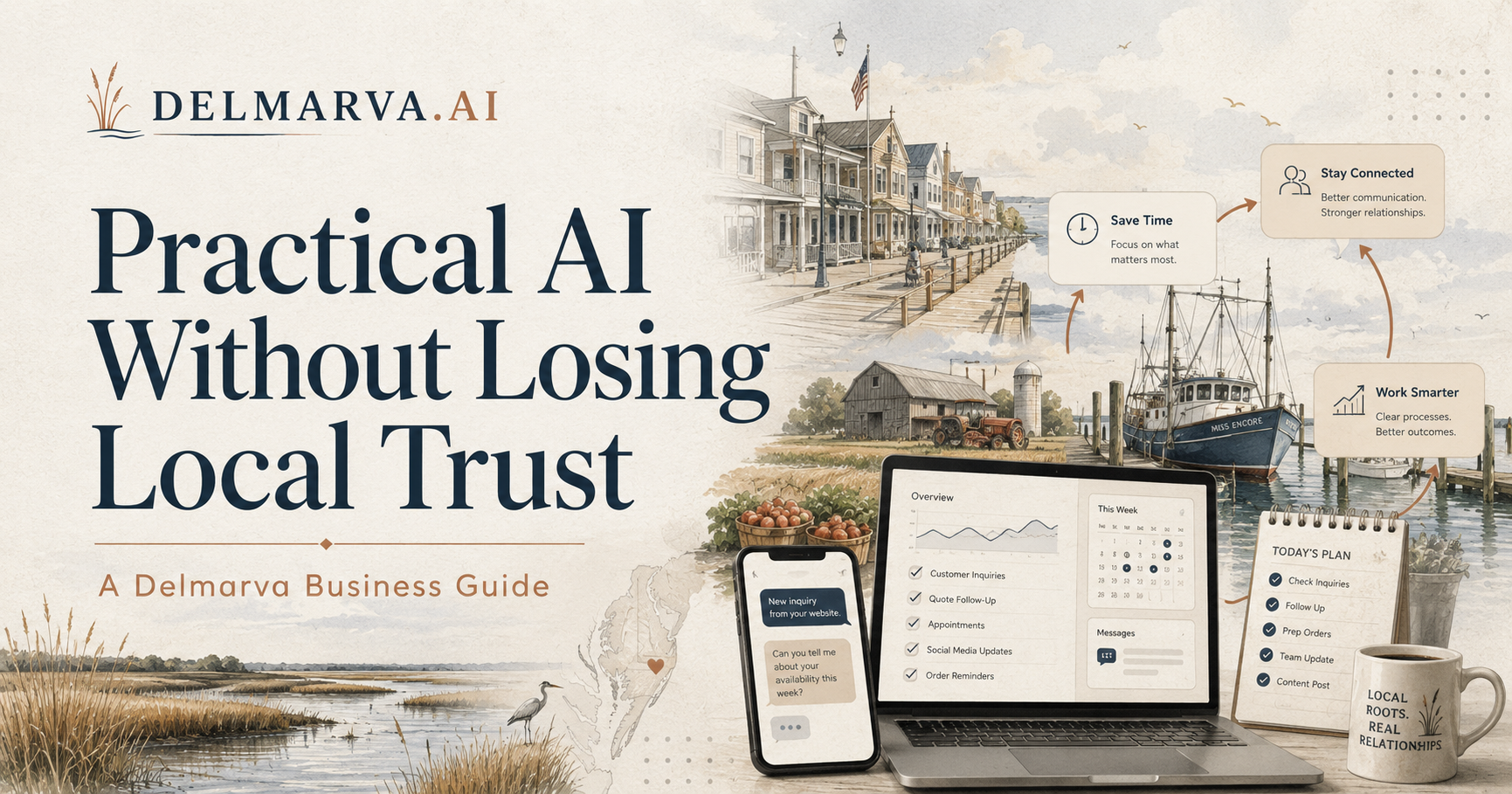
##A business on Delmarva does not run like a business in Silicon Valley.
A restaurant in Ocean City may have three wildly different businesses depending on whether it is July, October, or February. A contractor in Salisbury might be buried in calls after a coastal storm. A real estate team in Fenwick or Bethany may be juggling past clients, rental investors, second-home buyers, and listing appointments all at once. A farm operation outside Laurel, Harrington, or Snow Hill has its own rhythm of weather, labor, logistics, and paperwork.
That is why AI should not be treated like a shiny new toy. Used poorly, it creates more noise. Used well, it helps local businesses respond faster, stay organized, market more consistently, and protect the customer trust they have already earned.
The goal is not to make your business feel automated. The goal is to make the behind-the-scenes work easier so your team can show up better where it actually matters.
What AI really means for a local business
For most Delmarva businesses, AI does not mean robots, futuristic software, or replacing your staff.
It usually means practical tools that help with repetitive work:
- drafting replies
- summarizing customer requests
- organizing leads
- writing first drafts of social posts
- answering common questions
- turning notes into follow-up tasks
- finding patterns in calls, bookings, reviews, or inquiries
Think of it as assisted intelligence, not artificial intelligence.
The best AI setup is not the flashiest one. It is the one your team actually uses after the first week.
Where AI can help without making your business feel impersonal
1. Faster customer response
Delmarva businesses lose opportunities when people wait too long.
A vacation rental inquiry, a missed estimate request, a late-night plumbing issue, a wedding venue question, or a real estate lead can go cold quickly. AI can help sort, summarize, and draft responses so your team is not starting from scratch every time.
For example:
- A contractor can use AI to summarize a web form and prepare a follow-up text.
- A real estate team can draft a response to an old lead in Brivity or another CRM.
- A restaurant can use saved AI-assisted replies for private events, catering, or reservation questions.
- A tourism operator can answer common seasonal questions without repeating the same email all day.
The human still approves the message. AI just gets the ball moving.
2. Better follow-up with old leads and past customers
A lot of money is sitting quietly inside local databases.
Past guests. Old buyer leads. Former clients. Estimate requests that never converted. People who asked questions six months ago and never heard back. For small teams, the problem usually is not that they do not care. It is that follow-up takes time, and the work piles up.
AI can help turn a messy database into a practical follow-up plan.
Not by blasting everyone with robotic messages. By helping you group people, draft thoughtful outreach, and identify where a personal call or text is actually worth making.
For a two-person real estate team, this might mean reviewing old coastal buyer leads and drafting simple check-ins. For a home services company, it might mean following up with past customers before the busy season. For a restaurant or retailer, it might mean reconnecting with customers before a holiday, festival, or seasonal event.
3. More consistent local marketing
Most local businesses do not have a content problem. They have a consistency problem.
They have photos, stories, seasonal updates, customer questions, and useful knowledge. They just do not have time to turn all of that into posts, emails, guides, or website updates.
AI can help turn one real thing into several useful pieces of content.
Examples:
- A Lewes boutique turns a new product arrival into an Instagram caption, email blurb, and gift guide.
- A Cape Charles inn turns local event info into a weekend visitor guide.
- A Salisbury contractor turns a recent project into a before-and-after post and FAQ.
- A Fenwick real estate team turns one listing or market update into a week of social posts.
- A farm or agribusiness turns seasonal updates into hiring posts, customer notices, or newsletter content.
The key is that AI should draft. You should localize.
That means adding the specific place, the real customer concern, the actual offer, and the human voice.
The trust problem
AI can save time, but it can also damage trust if used carelessly.
Delmarva is still relationship-driven. People remember who called them back, who explained things clearly, who showed up, and who treated them like a person. If AI makes your business feel colder, vaguer, or less accountable, it is not helping.
Here is the rule:
Use AI behind the counter before you put it in front of the customer.
Start with internal workflows first:
- summarizing emails
- drafting follow-up
- organizing tasks
- planning content
- reviewing FAQs
- creating checklists
- preparing staff notes
Once that works, then consider customer-facing tools like chatbots, automated replies, or AI phone intake.
What to avoid
Do not automate sensitive conversations too early
Legal, medical, financial, real estate, insurance, and compliance-heavy conversations need extra care. AI can help organize information, but a human should review anything that affects someone’s money, health, legal position, or major decision.
Do not dump customer data into random AI tools
Before using any AI tool, ask:
- What information am I putting into this?
- Does it include private customer details?
- Where is the data stored?
- Can the vendor use it to train their system?
- Would I be comfortable explaining this to a customer?
If the answer is unclear, slow down.
Do not publish AI-written content without editing
AI can write a decent first draft. It can also sound bland, make things up, or miss local context.
A post about “coastal tourism” is not the same as a post about shoulder season in Ocean City, Chincoteague pony traffic, Bethany rentals, Cape Charles weekends, or a Friday night dinner rush in Easton.
Local detail is what makes content worth reading.
Do not buy tools before mapping the workflow
This is the big one.
A lot of businesses waste money because they start with the tool instead of the workflow. They buy a chatbot, CRM add-on, automation platform, or content tool before they know what they actually need it to do.
Start with the pain point:
- Where are we losing time?
- Where are customers waiting?
- Where are leads going cold?
- What does the team repeat every week?
- What information gets copied from one place to another?
- What do we wish happened automatically?
Then choose the tool.
A practical starting point
If you are new to AI, do not overhaul your business.
Pick one workflow.
Good first candidates:
- missed-call follow-up
- website inquiry replies
- social media drafting
- old lead reactivation
- appointment reminders
- review response drafts
- customer FAQ cleanup
- internal checklists
- email summarization
- quote or estimate intake
The best first AI project should be small enough to test in a week and useful enough that your team actually notices the difference.
What to do this week
Choose one repetitive task that slows your business down.
Write down:
- Who handles it now?
- How often does it happen?
- What tools are involved?
- What information is needed?
- What would a better version look like?
Then ask whether AI could help with one part of that workflow.
Not the whole business. Just one part.
That is how local businesses should approach AI: practical, careful, and tied to real work.
Want this applied to your business?
Delmarva.ai offers a free AI Readiness Review for local businesses across Delaware, Maryland’s Eastern Shore, and coastal Virginia.
We look at your business, your current tools, and the work that is eating up time. Then we identify the 2–3 AI workflows most worth exploring first — along with what to avoid before you spend money on software or custom builds.
Get your free AI Readiness Review Or start with the Delmarva AI Advisor if you want a quick starting point.
Want this applied to your business?
Get a short written AI Readiness Review for your workflows, tools, and first 30 days.
Get the next one in your inbox
The Delmarva AI Brief — one short email, practical AI you can use this week.